

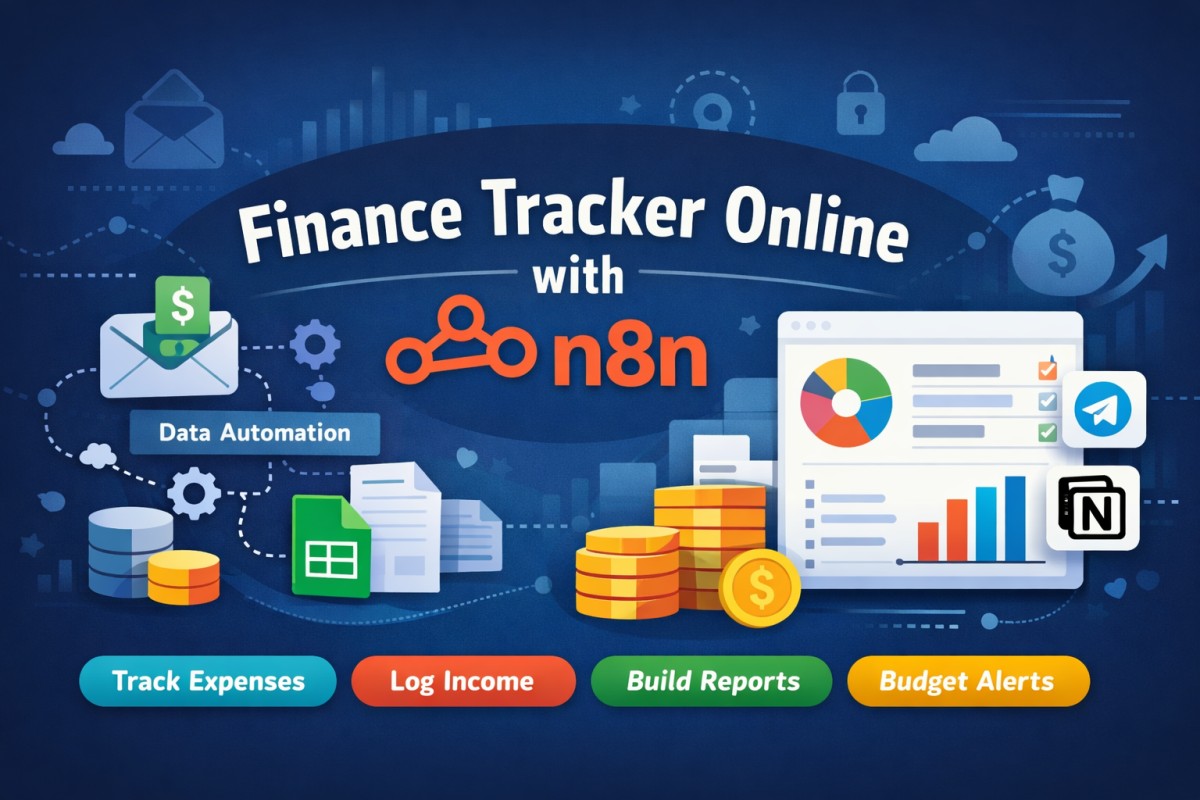
Managing personal or business finances manually is time-consuming and error-prone. A Finance Tracker Online with n8n helps you automate expense tracking, income logging, budgeting, and reporting—without relying on expensive finance apps.
Using n8n, you can build a secure, customizable, and fully automated finance tracking system that fits your exact needs.
What Is a Finance Tracker Online with n8n?
A Finance Tracker Online with n8n is an automation-based financial management system where transactions are captured automatically from multiple sources such as emails, payment gateways, forms, or APIs. The data is processed, categorized, stored, and visualized in real time.
Instead of manually updating spreadsheets, n8n workflows handle everything in the background.
Why Use n8n for Finance Tracking?
1. Complete Automation
n8n automates repetitive financial tasks such as:
Recording expenses
Tracking income
Categorizing transactions
Generating reports
2. Data Ownership & Privacy
Unlike many finance apps, n8n allows self-hosting, ensuring your sensitive financial data stays under your control.
3. Fully Customizable
You decide:
Categories
Budget rules
Alerts
Reporting format
4. Cost-Effective
n8n is open-source, making it an affordable alternative to paid finance tracking tools.
How a Finance Tracker Workflow Works in n8n
A typical automated finance tracker workflow includes:
Trigger
New transaction email
Payment webhook
Manual form submission
Data Extraction
Amount
Date
Merchant
Transaction type
Categorization
Rule-based logic
AI-based classification (optional)
Storage
Google Sheets
Database (MySQL / PostgreSQL)
Notifications
Telegram
Email or Slack alerts
Visualization
Dashboards using Notion
Charts and summaries
Read also: n8n Automation for SEO 2026
Key Features of an Online Finance Tracker with n8n
Automatic expense tracking
Income and cash flow monitoring
Category-wise spending analysis
Monthly and yearly financial reports
Budget limit alerts
Tax-ready data export
Multi-account support
Use Cases
Personal Finance
Track daily expenses, control monthly budgets, and understand spending habits.
Freelancers & Solopreneurs
Monitor income, business expenses, invoices, and profits from multiple clients.
Small Businesses
Automate bookkeeping, cash flow analysis, and financial reporting.
Tools You Can Integrate with n8n
Email: Gmail, Outlook (bank alerts & invoices)
Storage: Google Sheets, databases
Dashboards: Notion, Looker Studio
Alerts: Telegram, Slack, Email
AI (Optional): Smart expense categorization
Benefits Over Traditional Finance Apps
| Feature | n8n Finance Tracker | Traditional Apps |
|---|---|---|
| Automation | High | Limited |
| Custom Rules | Yes | No |
| Self-Hosting | Yes | No |
| Cost | Low | High |
| Scalability | High | Medium |
How to Get Started
Install or access n8n (cloud or self-hosted)
Connect your transaction source
Create expense & income workflows
Store data in Sheets or a database
Build dashboards and alerts
FAQs: Finance Tracker Online with n8n
1. Is n8n suitable for personal finance tracking?
Yes. n8n is ideal for personal finance because it allows full automation, privacy control, and custom budgeting rules.
2. Can I connect bank transactions directly to n8n?
Direct bank APIs depend on your bank. Most users connect transactions via email alerts, CSV files, or third-party APIs.
3. Do I need coding knowledge to use n8n?
Basic workflows require no coding. Advanced users can add JavaScript for complex logic.
4. Is my financial data secure with n8n?
Yes. You can self-host n8n, ensuring your data never leaves your server.
5. Can n8n generate financial reports automatically?
Absolutely. n8n can create daily, weekly, or monthly reports and send them automatically.
6. Can I use AI for expense categorization?
Yes. n8n supports AI integrations to automatically categorize transactions based on descriptions.
7. Is n8n free to use?
n8n offers a free self-hosted version and paid cloud plans with additional features.
Final Thoughts
A Finance Tracker Online with n8n gives you full control over your financial data while automating everything from expense tracking to reporting. Whether you’re managing personal budgets, freelancing income, or business finances, n8n provides a flexible and scalable solution.