

Writing clean and well-structured HTML is essential for every web developer. However, as HTML files grow larger, the code can quickly become difficult to read and maintain. This is where an HTML formatter becomes useful.
What Is an HTML Formatter?
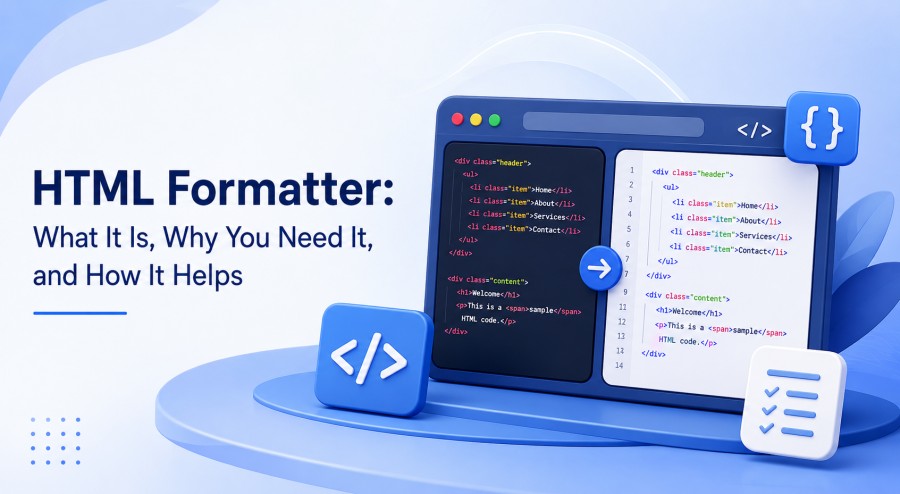
An HTML formatter is a tool that automatically organizes HTML code into a clean and consistent structure. It typically adds proper indentation, line breaks, and spacing so that developers can easily understand the code.
For example, messy HTML can be difficult to follow:
<div><h1>Welcome</h1><p>This is my website.</p></div>
After formatting, the same code becomes much easier to read:
<div>
  <h1>Welcome</h1>
  <p>This is my website.</p>
</div>
The functionality remains the same, but the code is significantly easier to work with.
Why Use an HTML Formatter?
There are several reasons developers use HTML formatting tools.
1. Improves Readability
Proper indentation and spacing make it easier to understand the structure of a webpage. Developers can quickly identify parent and child elements without manually examining every line.
2. Saves Time
Manually formatting large HTML files can take a considerable amount of time. An HTML formatter can organize hundreds or even thousands of lines in seconds.
3. Makes Debugging Easier
Clean code makes it easier to spot missing tags, incorrectly nested elements, and structural problems. Although a formatter does not replace an HTML validator, it can make errors easier to identify.
4. Maintains Consistency
When multiple developers work on the same project, consistent formatting is important. A formatter can apply the same indentation and spacing rules across files.
5. Makes Code Maintenance Simpler
Well-formatted HTML is easier to update. Developers can add, remove, or modify elements without struggling to understand a poorly organized document.
How Does an HTML Formatter Work?
Most HTML formatters analyze the structure of the HTML document and then apply predefined formatting rules.
Depending on the tool, you may be able to configure options such as:
- Indentation size
- Tabs or spaces
- Line wrapping
- Attribute formatting
- Whether empty elements appear on separate lines
- Formatting of embedded CSS or JavaScript
Once the formatting rules are applied, the tool produces a cleaner version of the original HTML.
HTML Formatter vs. HTML Validator
These two tools serve different purposes.
An HTML formatter focuses primarily on the appearance and organization of your code. An HTML validator checks whether the markup follows HTML standards and identifies certain structural or syntax problems.
For the best development workflow, you can use both: format your code for readability and validate it for correctness.
Benefits for Beginners and Professionals
An HTML formatter is useful whether you are learning web development or working on professional applications.
For beginners, it helps demonstrate how HTML elements are nested and structured. For experienced developers, it reduces repetitive formatting work and helps maintain consistent coding standards across projects.
Tips for Better HTML Formatting
To get the most from an HTML formatter, consider establishing consistent rules for your projects. Use meaningful indentation, keep related elements together, and avoid unnecessarily complicated HTML structures.
It is also a good idea to configure your code editor to format HTML automatically or format files whenever they are saved.
Conclusion
An HTML formatter is a simple but valuable tool for anyone working with HTML. By automatically organizing markup, it improves readability, saves development time, simplifies maintenance, and creates consistency across projects.
Whether you are building a small personal website or maintaining a large web application, properly formatted HTML makes your code easier to understand—and easier to work with.